Page contents
How do you calculate the head loss of a tee, in flow separation or junction?
The head loss of a tee or a Y fitting is calculated like any minor head loss, ΔP = ζ × ρ V² / 2, but here the coefficient ζ depends on the branch angle, the flow direction (separation or junction), the path taken (straight run or branch) and the split of flow between the branches. In separation, the upstream flow divides so that the losses to the common outlet are equal in each branch; in a junction, the flows add up. Example: water at 2 m/s going into the branch of a 90° tee (ζ ≈ 1.2) loses 1.2 × 1,000 × 2² / 2 = 2,400 Pa, or 0.24 m, whereas the straight run (ζ ≈ 0.3) loses only 600 Pa.
Tee formulas
- ζ (zeta): loss coefficient of the tee for the path considered, dimensionless
- V: reference velocity, in m/s, usually that of the total flow; ρ: density, in kg/m³
- Qupstream: total flow rate, in m³/s, divided into Q₁ and Q₂
- ΔHbranch: head loss of each branch to the common point; their equality sets the flow split
Typical ζ coefficients of tees
| Fitting and path | ζ |
|---|---|
| 90° tee, straight run | 0.2 to 0.4 |
| 90° tee, branch (separation) | 0.9 to 1.3 |
| 90° tee, junction through the side branch | 0.9 to 1.5 |
| 45° Y, branch | 0.3 to 0.6 |
| 45° Y, straight run | 0.1 to 0.3 |
Detailed explanations and calculation in Mecaflux
To model and embed a junction and separation (tee or y fittings) in a branch portion of a network of fluid, Mecaflux standard provides a simplified method to cover all the cases encountered.
head loss calculation in junction and separation (tee or y fittings) in fluids networks , can be useful if you want to compare the pressure drop of two branch portions of a network. (Reminder: The flow in each branch / segment of an separation of stream, meet the condition of equal pressure drop in each downstream branch, together with the condition : total of the downstream flows = flow upstream. If two conditions are met we solved the flow of each branch)
- If you frequently need to modelize branched networks mecaflux "pro 3D Networks" is better suited.
Start by recalling that a segment has a given flow rate which remains constant throughout its length. If there is a flow rate change (separation or junction of flows), there is change of segment. This implies that a connection must only be in the first or last position of a segment...
7 objects fittings are available in the tab "elements pressure losses", under the category "fittings":
| Junction 135° | 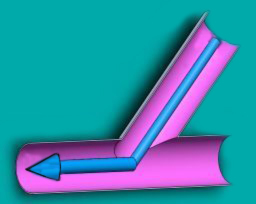 |
(plus or minus 20 degrees) |
| output 135° | 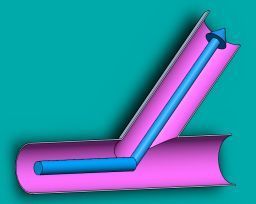 |
(plus or minus 20 degrees) |
| input ou output 45° | 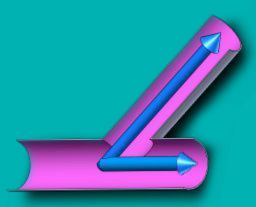 |
(plus or minus 20 degrees) |
| Passage 135 ° | 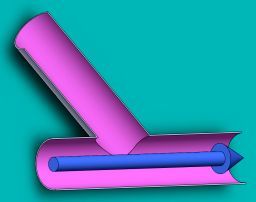 |
(plus or minus 20 degrees) |
| Passage 45° | 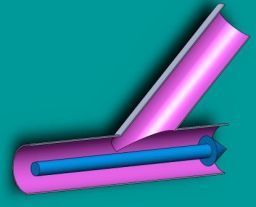 |
(plus or minus 20 degrees) |
| input ou output 90° | 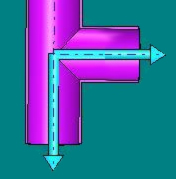 |
(plus or minus 20 degrees) |
| Passage 90° | 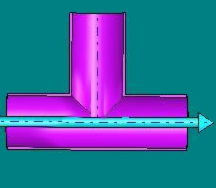 |
(plus or minus 20 degrees) |
Combinations of these 7 connections objects facility allows to model all 14 situations, separation and reunions fluid stream, gas or liquid:
reunions fluid stream |
Separations fluid stream |
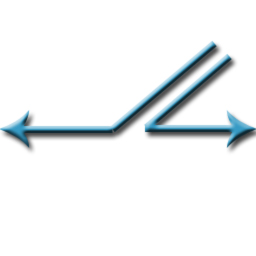
1: Junction 135° + Passage 135 ° (fittings placed at the end of segment) |
2: Junction 135° + Junction or output 45 (fittings placed at the beginning of segment) |
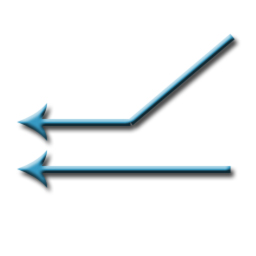 = + = + |
 = + = + |
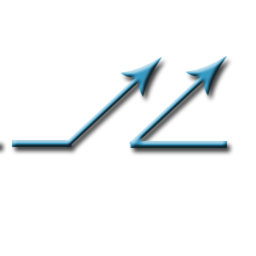
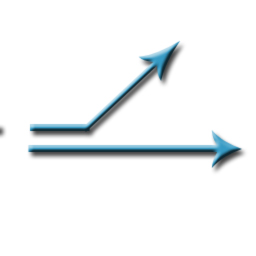
3: output 135° + Junction or output 45° (fittings placed at the end of segment) |
4: output 135° + Passage 135 °(fittings placed at the beginning of segment) |
 = + = + |
 = + = + |
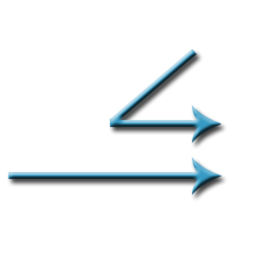
5: Junction or output45 + Passage 135 ° (fittings placed at the end of segment) |
6: Junction or output 45 + Passage 135 °(fittings placed at the beginning of segment) |
 = + = + |
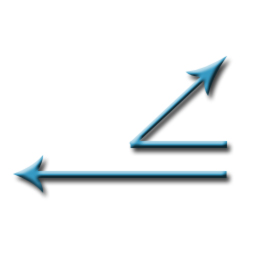 = + = + |
7:Junction 135° +Junction 135° (fittings placed at the end of segment |
8: output 135° +output 135°(fittings placed at the beginning of segment |
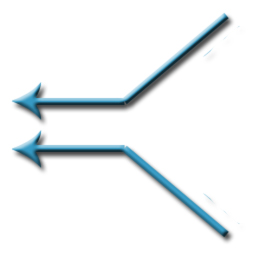 = + = + |
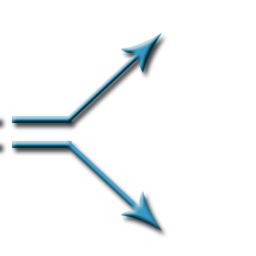 = + = + |
9: Junction or output 45 + Junction or output 45 (fittings placed at the end of segment) |
10: Junction or output 45 + Jonction or output 45 (fittings placed at the beginning of segment) |
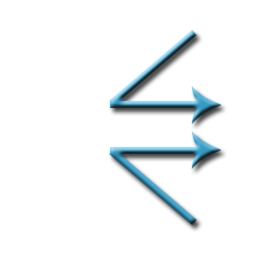 = + = + |
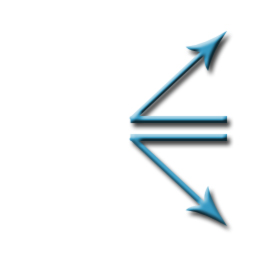 = + = + |
11: Junction or output 90° + Passage 90° (fittings placed at the end of segment) |
12: Junction or output 90° + Passage 90°(fittings placed at the beginning of segment) |
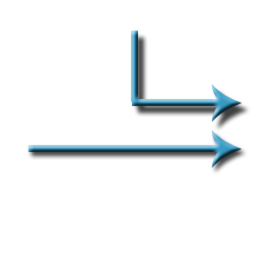 = + = + |
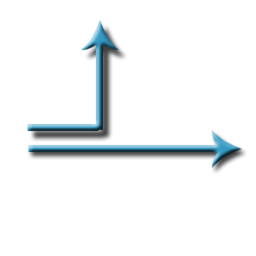 = + = + |
13 : Junction or output 90° + Junction or output 90° (fittings placed at the end of segment) |
14: Junction or output 90° + Junction or output 90° (fittings placed at the beginning of segment) |
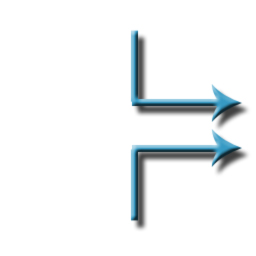 = + = + |
 = + = + |
Modeling fittings is subject to three rules that evaluate all the cases encountered Exemple:
In reality the connection may have different diameters, to model these cases, insert cones, narrowing or widening to reduce the diameter to the fitting's size.
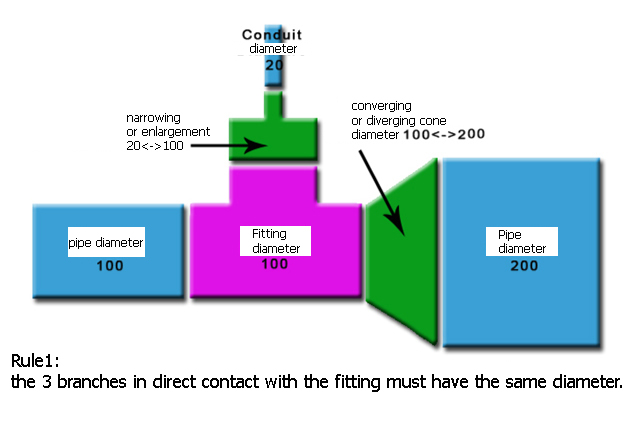
Rule 1: 3 branches in direct contact with the fitting must have the same diameter.
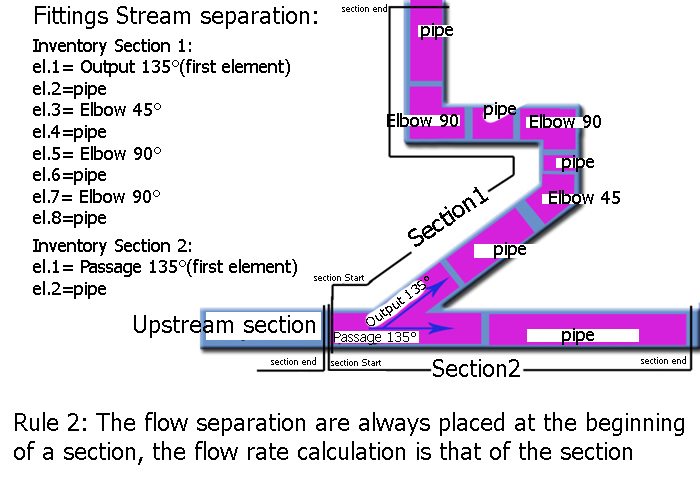
Rule 2: The flow separation are always placed at the beginning of a section, the flow rate calculation is that of the section
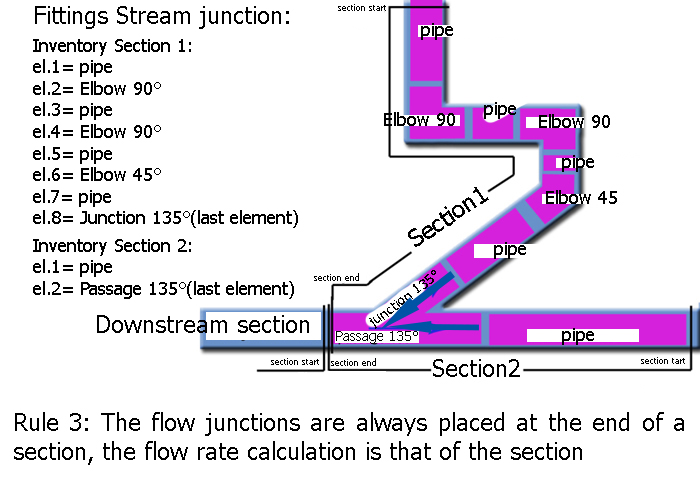
If you follow these basic rules, calculations of pressure losses connecting sections, of all situations encountered is possible
Frequently asked questions
Why must a fitting be at the start or end of a section?
A section has a constant flow rate along its length. A separation or a junction changes the flow: it therefore marks the end of one section and the start of the next, and its loss is counted with the velocity of one of them.
How does the flow divide between two branches?
It divides by itself so that each branch loses the same head to their common point: the least resistant branch receives the most flow. Balancing valves can impose a different split.
Which velocity should be used in the formula?
The one for which the coefficient was established, usually the velocity of the total flow in the common branch. Using another velocity with the same ζ gives a wrong result.
How do I model the tees of my network?
Mecaflux Standard offers seven junction and separation fittings (junctions, branches and straight runs at 45°, 90° and 135°) in the minor head loss tab. For frequent branched networks, Mecaflux Pro3D calculates the flow split directly. Mecaflux also offers a study of your project or training on the software.